
Your service
Your interface
Your customer
Customer portals and applications
Turn a service or operating model into a useful branded experience.
What we can build
- Client workspaces
- Role-based access
- Tailored interfaces
- Clear user journeys
A client portal. An internal tool. A better connection between your systems. We design, build and deploy software around how your business actually works.
In-house engineering. From the first decision to the working system.
Custom software. AI systems. Real client work.





One in-house team, from the operating problem to the people using the finished work.
What must the first release do?
Map the people, information and decisions the software needs to support.
Illustrative delivery process. Scope, acceptance criteria and handoff are agreed for your engagement.
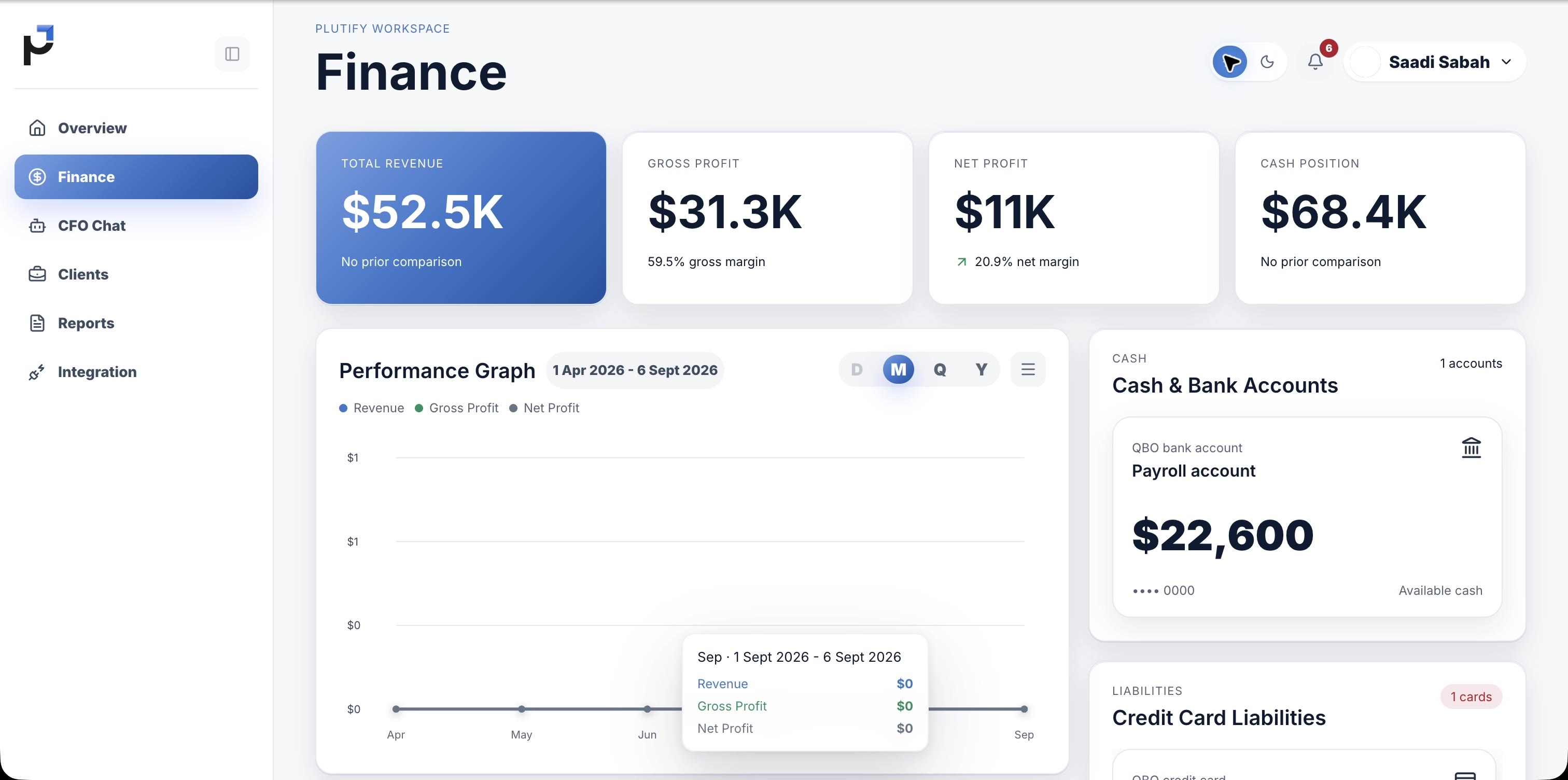
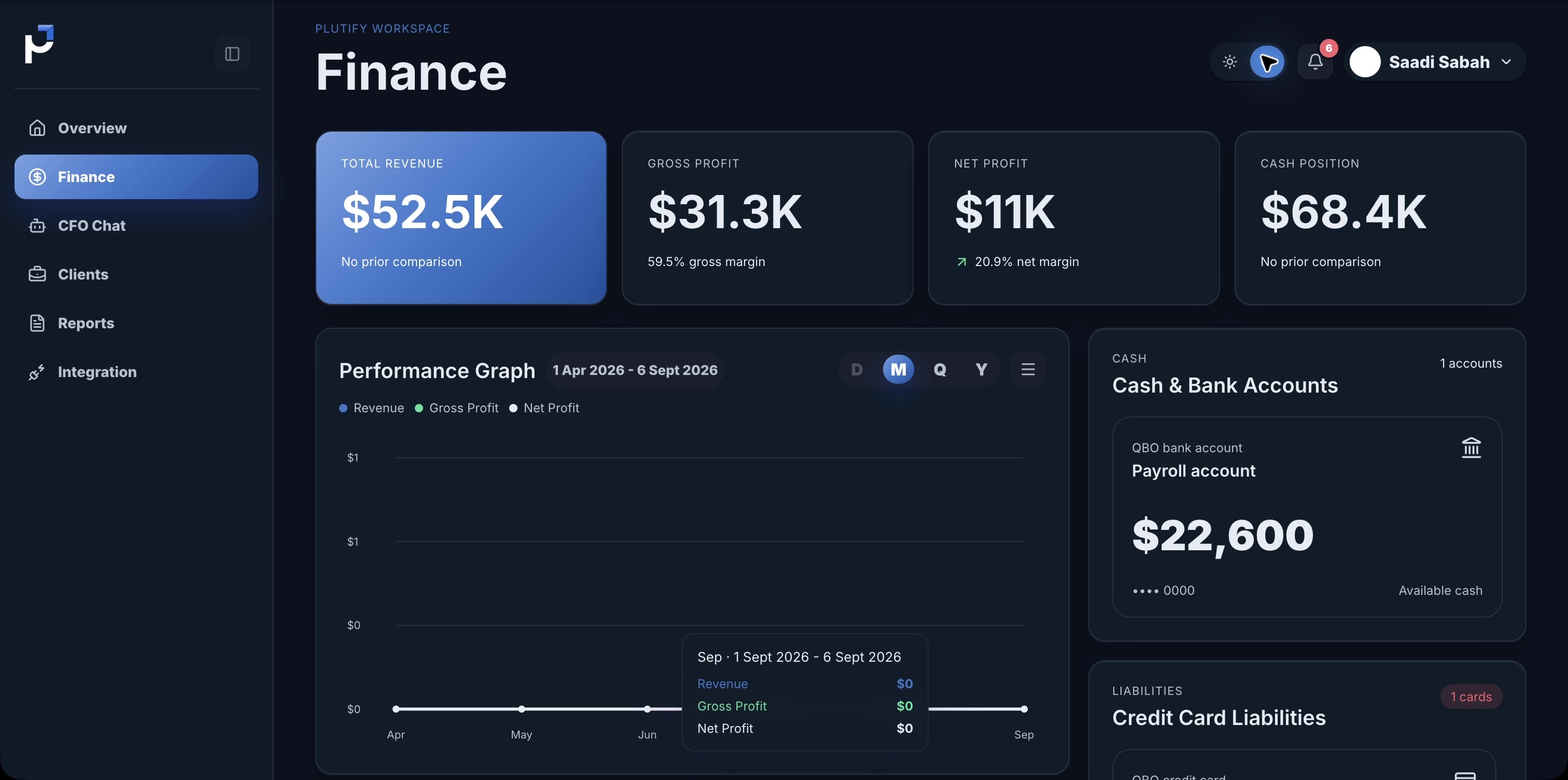
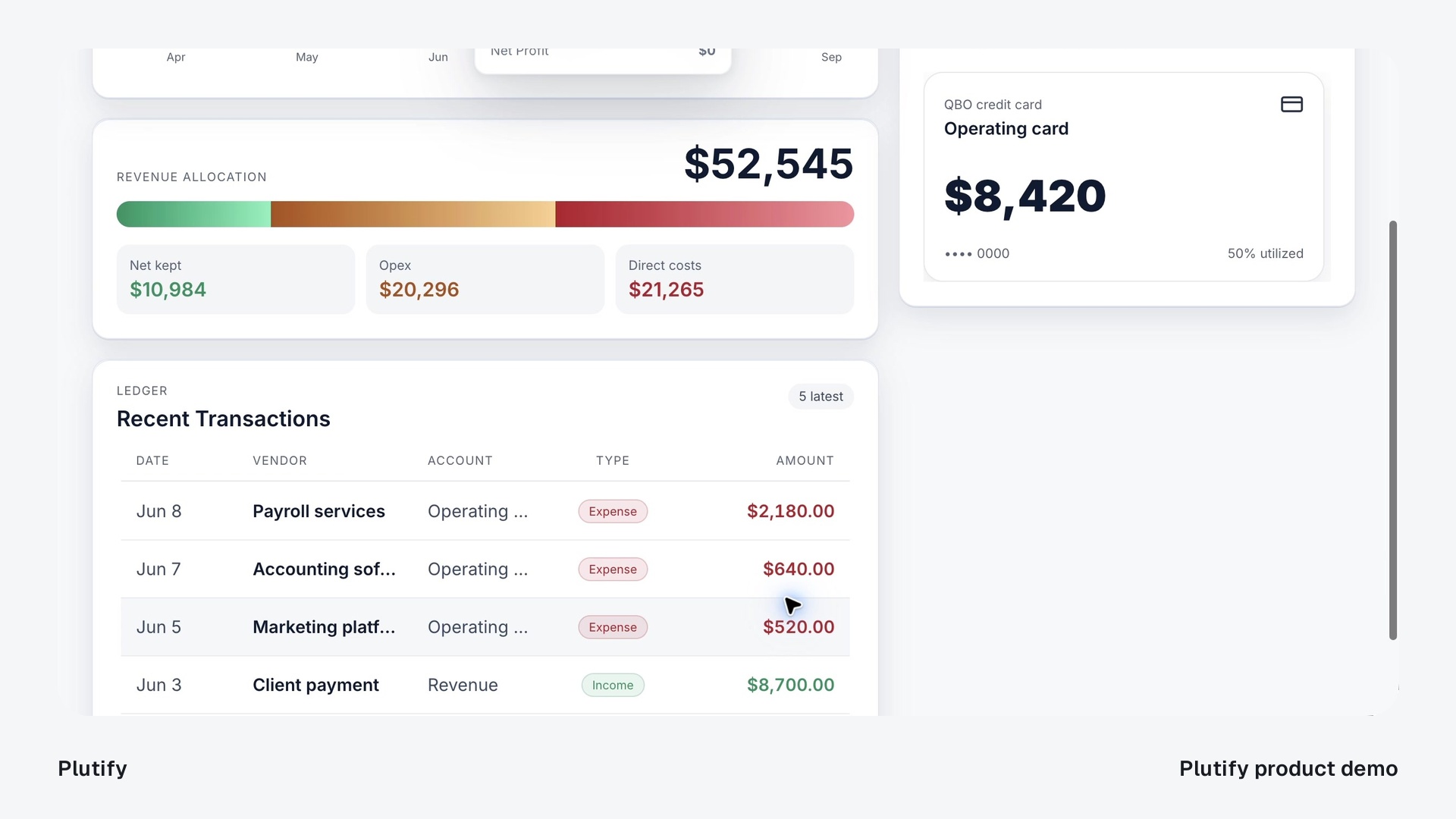
One custom build. Five connected views.Plutify’s books were already in QuickBooks. Its clients needed a clearer way to understand them. RECAST built the client-facing layer: a branded financial portal with scoped access, reporting views and a place to ask the next question.
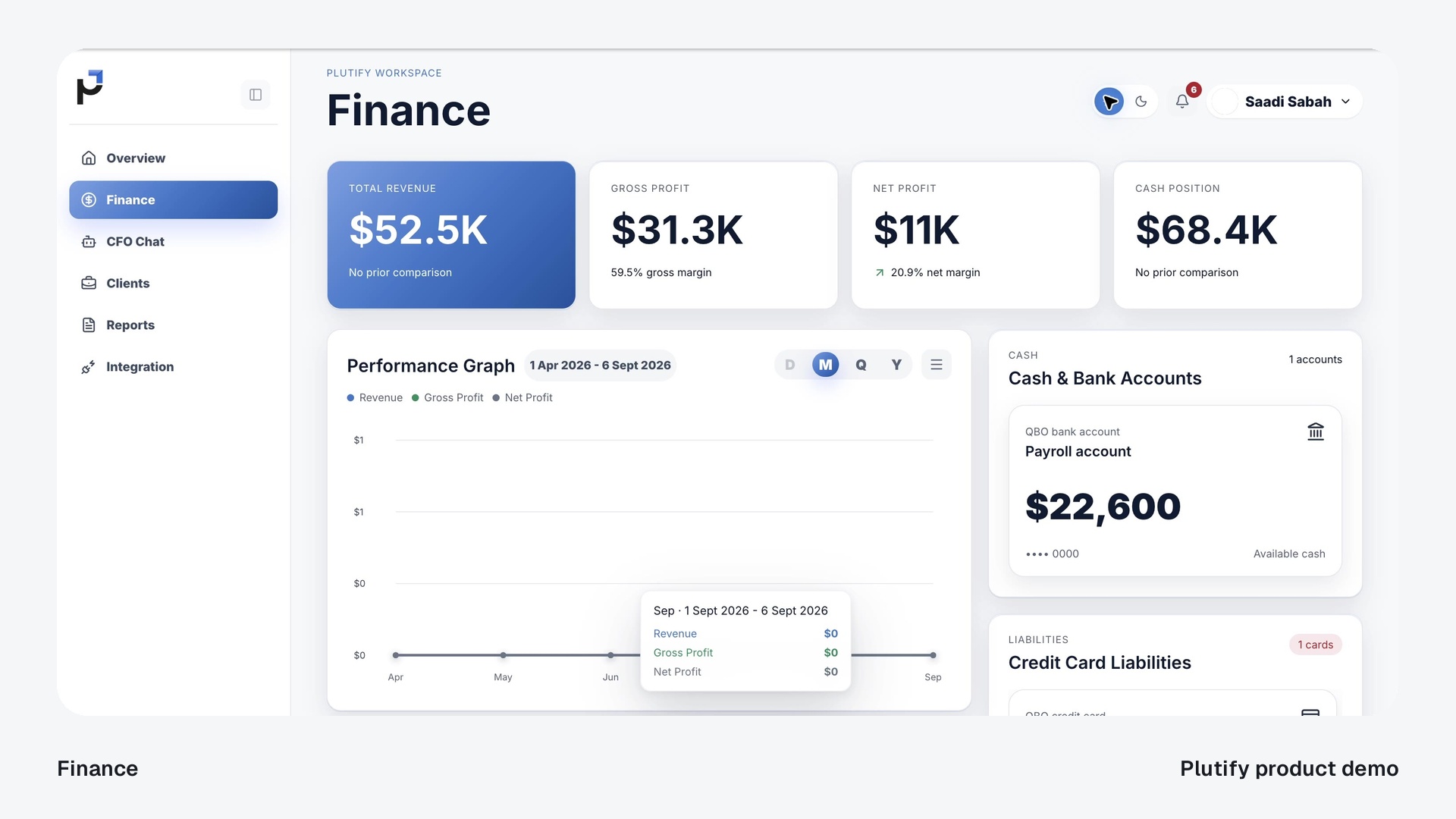
Bring selected QuickBooks information into a focused financial workspace. Period controls and readable views give the firm and its clients a clearer way to review the numbers while QuickBooks remains the accounting source of truth.
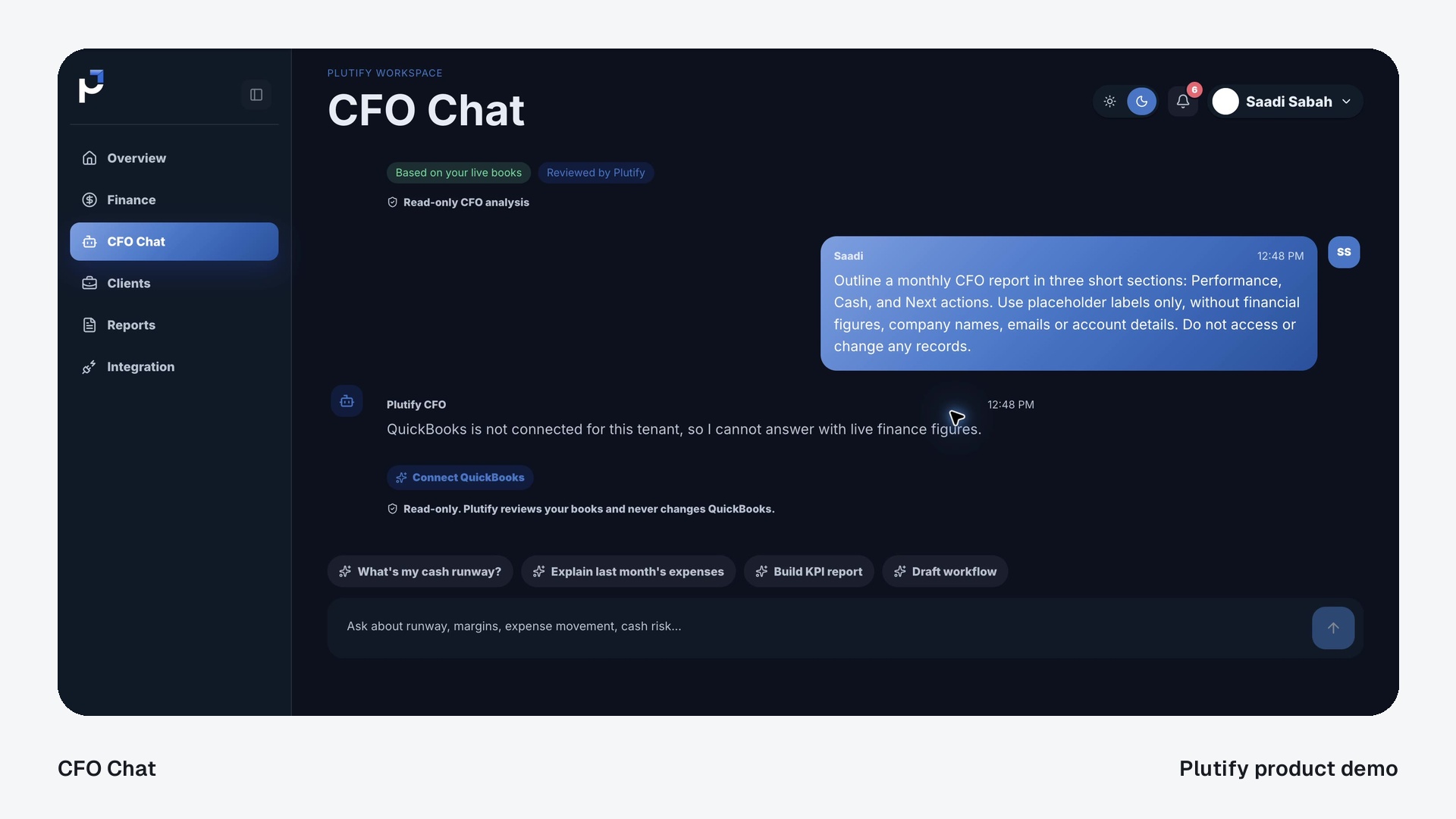
CFO Chat brings questions into the client workspace, with conversation context and connection requirements made explicit. Financial answers depend on the selected client’s authorized connection; the accounting records stay read-only.
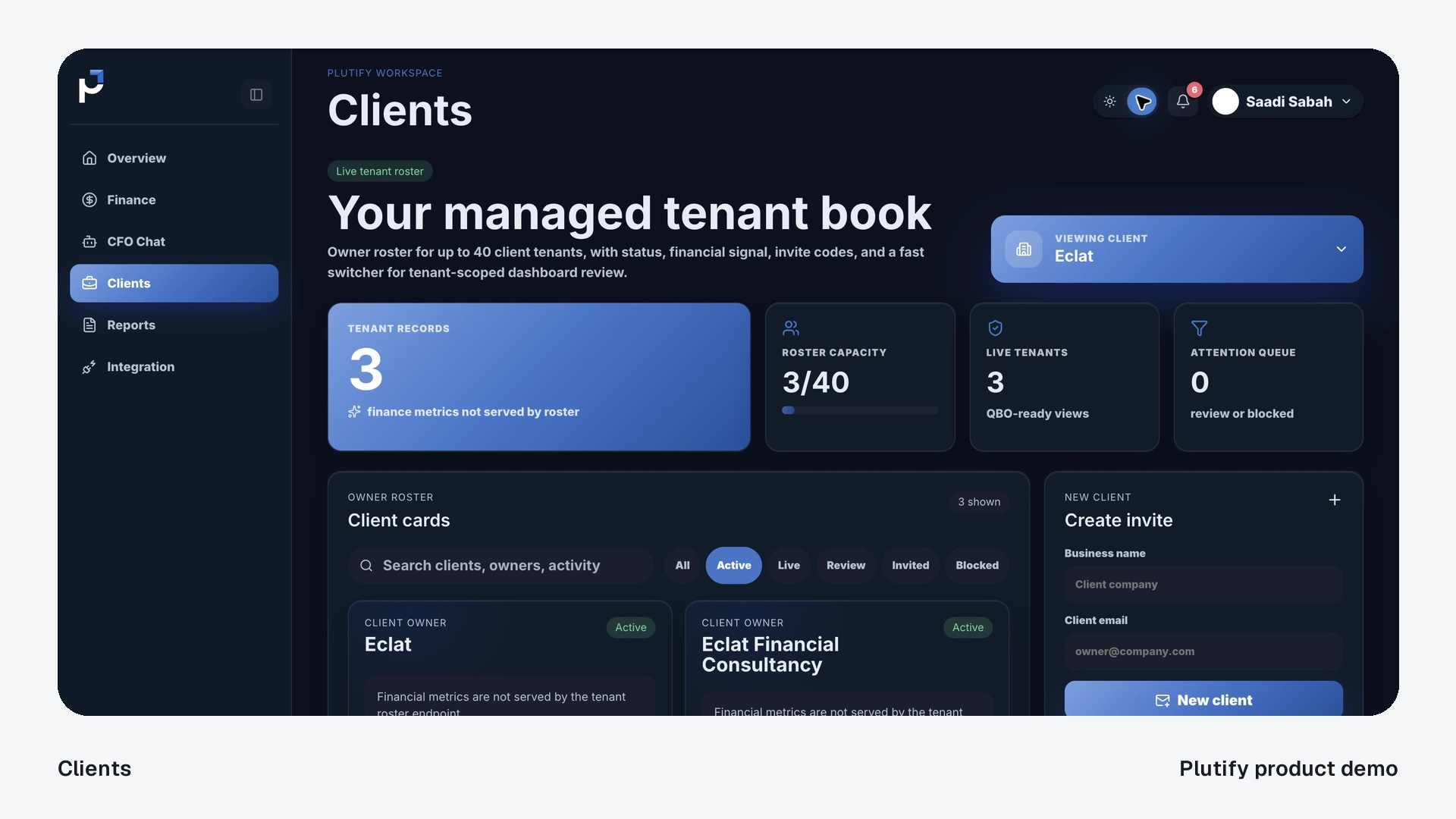
Give customers a branded place to review their own information. The build separates owner and client access, with client context carried through the portal’s data paths as well as its interface.
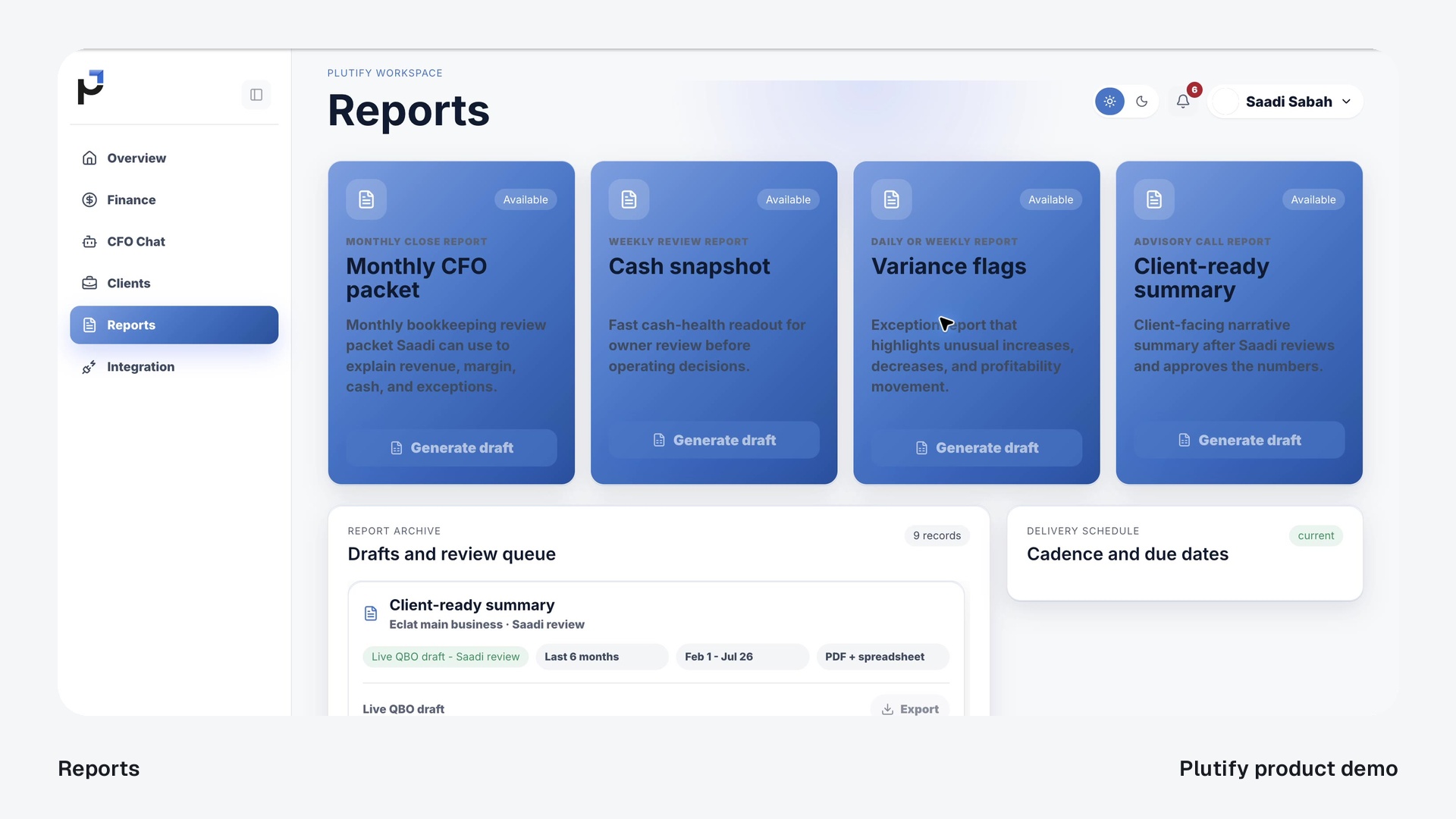
Bring familiar report formats and their draft history into one workspace. Plutify groups the reporting surfaces around the reviews an accounting firm needs to prepare for its clients.
The portal is built around a read-only QuickBooks integration. Its connection workspace separates the owner connection from each client’s setup and makes additional provider requirements visible.
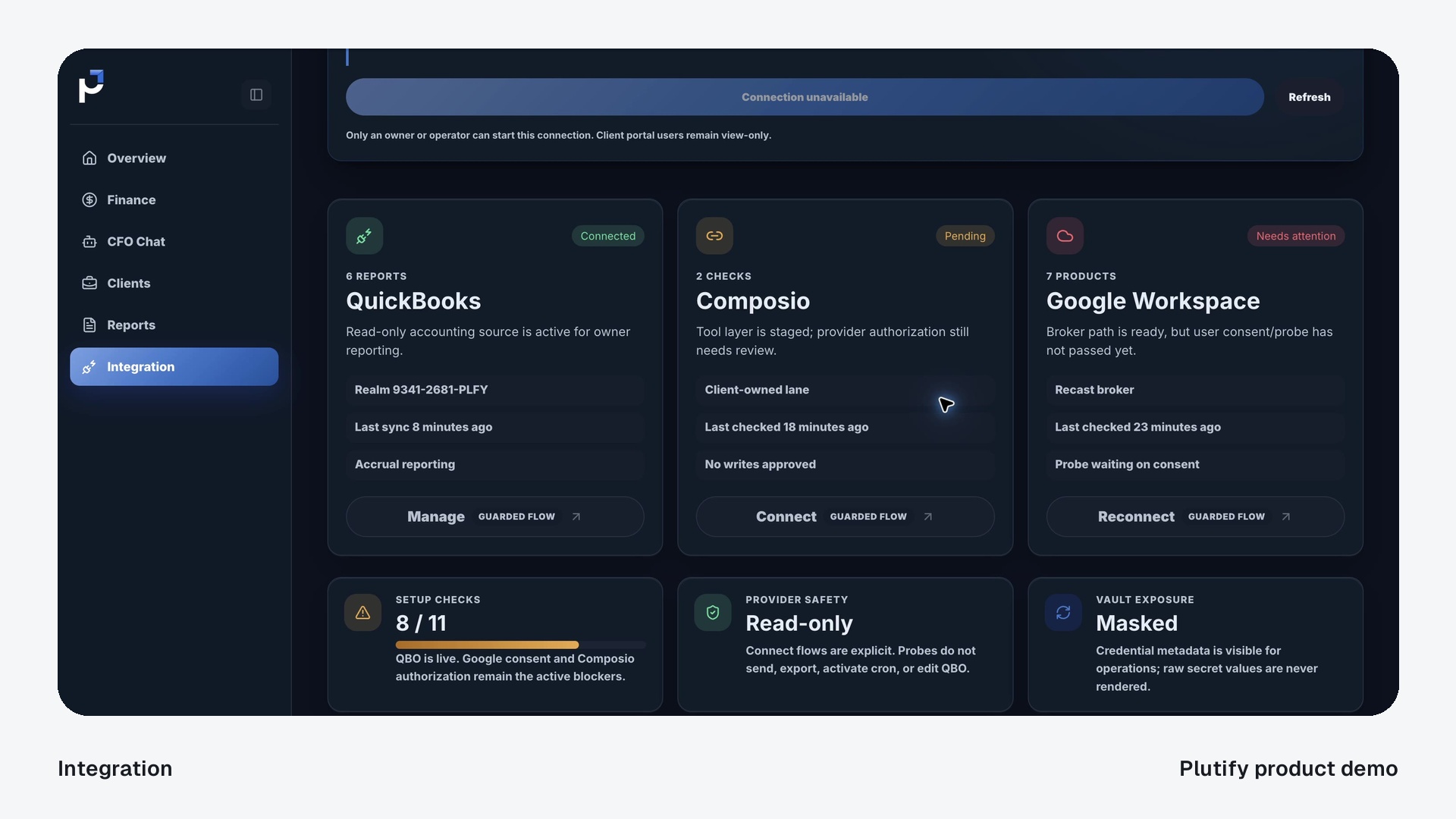
Inside the engineering behind Plutify: a branded client portal around a read-only QuickBooks connection.
 QuickBooks records Source books unchangedClient portal
A client-facing view of the relevant accounting data.
The portal reads the permitted QuickBooks information for the selected client and period. The original books remain in QuickBooks.
Illustrative architecture, based on Plutify’s portal foundation. Connection availability and configured permissions determine the experience.
A customer-facing product, a critical integration or a more dependable foundation for software you already use. We shape the engagement around the work that needs to happen.
Give your customers and your team an interface shaped around the work.
Turn a service or operating model into a useful branded experience.
Bring context, work and decisions into a shared operating view.
Build the connections that turn separate tools into a working process.
Join the source systems behind the workflow, with a clear path for exceptions.
Add intelligence where it serves the task and fits the decision being made.
Plan the release, the responsibilities and the way the system will evolve.
Take the build into an environment with defined access and operating responsibilities.
Work through the constraints in an existing system and improve it in stages.
The build ends with your team able to use it and understand what comes next. We define the handoff alongside the work, so accounts, operating knowledge and responsibilities have a clear owner.
Client-specific rights are set out in the engagement. Hosting, providers and ongoing maintenance have defined costs and responsibilities.
Named leads. A shared delivery team. Five supporting engineers working alongside the people responsible for your build. No subcontracting.
Meet the team
Architecture and technical decisions

Implementation, integrations and verification

Onboarding, decisions and handoff

Selected work across custom software, AI systems and integrations. Each case explains what was built and its delivery stage.
Saadi SabahBranded client views and live, read-only QuickBooks data.
Custom engineering · Live portal foundation Anas Ikhwan
Runtime migration and stabilization for an existing deployment.
Custom engineering · Runtime stabilization Alex Momeni
A protected executive Mission Control interface for review.
Custom engineering · Executive interface Haroon Kamal
A custom voice bridge joining qualification, retry handling and CRM records.
AI SDR · Technical snapshot, May 2026 Louis Appert
A hosted dashboard and a deployment path for an agency operating system.
AI Layer · Technical snapshot, May 2026 Bryant Ward
Department workflows and a custom command center for webinar operations.
AI Layer · Technical snapshot, May 2026Alex Momeni
Connected agency work across ads, meetings, bookings and delivery.
AI Layer · Technical snapshot, May 2026 James Magree
Client context and recurring reporting support, used by an agency owner.
AI Layer · Client and distribution partner Tanja Windisch-Hlinomaz
Office workflows and an early-access custom CRM track.
AI Layer · CRM implementation track Matt Bignold
Brand-aware workspaces and scoped email-marketing connections.
AI Layer · Connections phased William Straka
Shared teaching context for marketing, sales and client success.
AI Layer · Knowledge foundation Jane Benjamin
Recruitment workflows and a prepared voice-pilot path.
AI Layer · Client and distribution partnerWe choose the implementation around your workflow, access and requirements. Models, business applications and infrastructure each have a clear role.





Plutify’s build combines a React interface, a Python service and a read-only QuickBooks connection. Other engagements use the technology their requirements call for.
Scope, ownership and the practical questions behind a custom system.
Our DevOps offer covers custom software and the engineering needed to put it into use: applications, internal tools, integrations, infrastructure and technical direction. We start with the operating problem, then define the right build.
Yes. We map the current systems, confirm access and test the connection path before committing to an integration. An API, a migration or a focused bridge may solve the problem without replacing the whole stack.
No. Bring the workflow, the constraint and the people who know the work. Discovery turns those into a practical first outcome, a scope, dependencies and a way to check the result.
No. A useful interface or reliable integration may be the right answer. Where AI helps, we add the context, permissions and review steps that make it useful within the wider application.
Plutify is a custom build for an accounting firm. It shows our approach to product design, data access and engineering. Your system is shaped around your users, workflow and requirements.
Our in-house team handles architecture, development, integration and delivery. You work with named technical and client-success leads, supported by our engineers. We do not subcontract the build.
Your data and business accounts stay under your control. The engagement defines the agreed code, configuration, documentation and rights to client-specific work. Existing components and third-party services retain their own licences and terms.
We define stabilization, operating responsibilities and support alongside the build. Your team can operate the agreed system, retain us for scoped maintenance, or plan the next improvement. Hosting, provider usage and new development are separate costs.
Yes. Consulting covers positioning, launch strategy and GTM advisory, and can work alongside the engineering engagement.
Explore ConsultingShow us the work you want to improve—or the product you want to bring into the world.
Talk through your build